
WiFi Emergency Call Button for Seniors – Connected Alert System with Smartphone Notifications
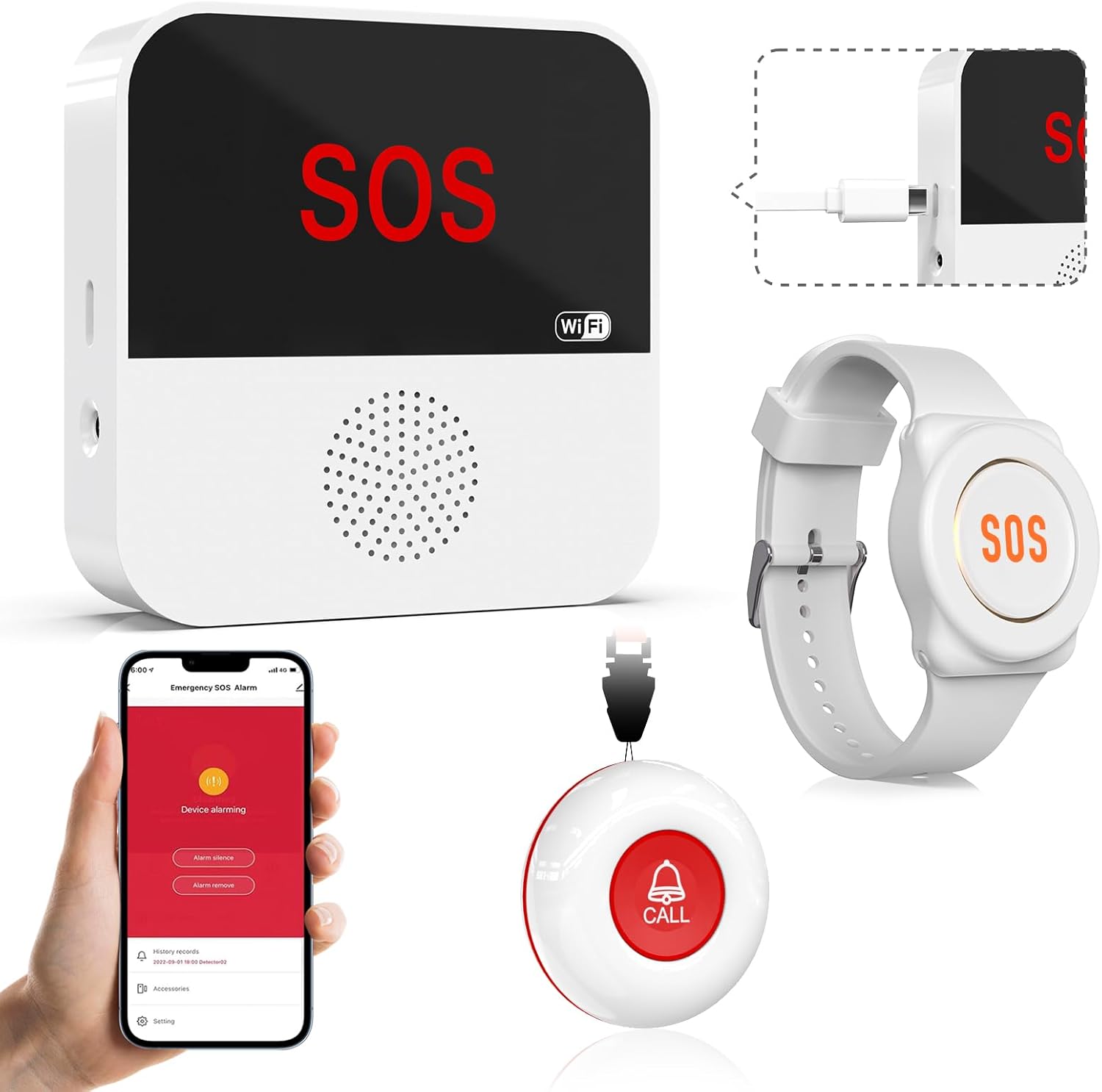
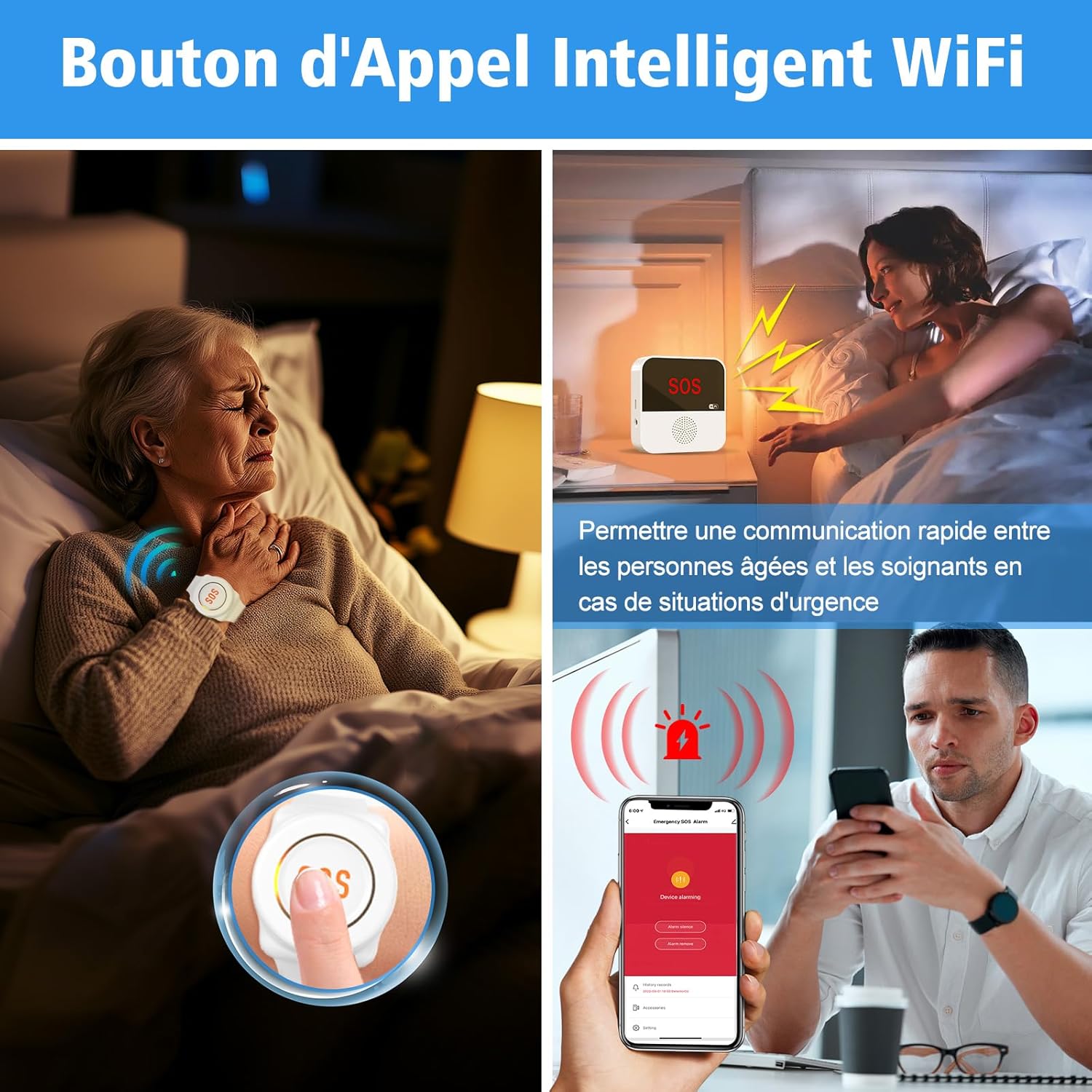
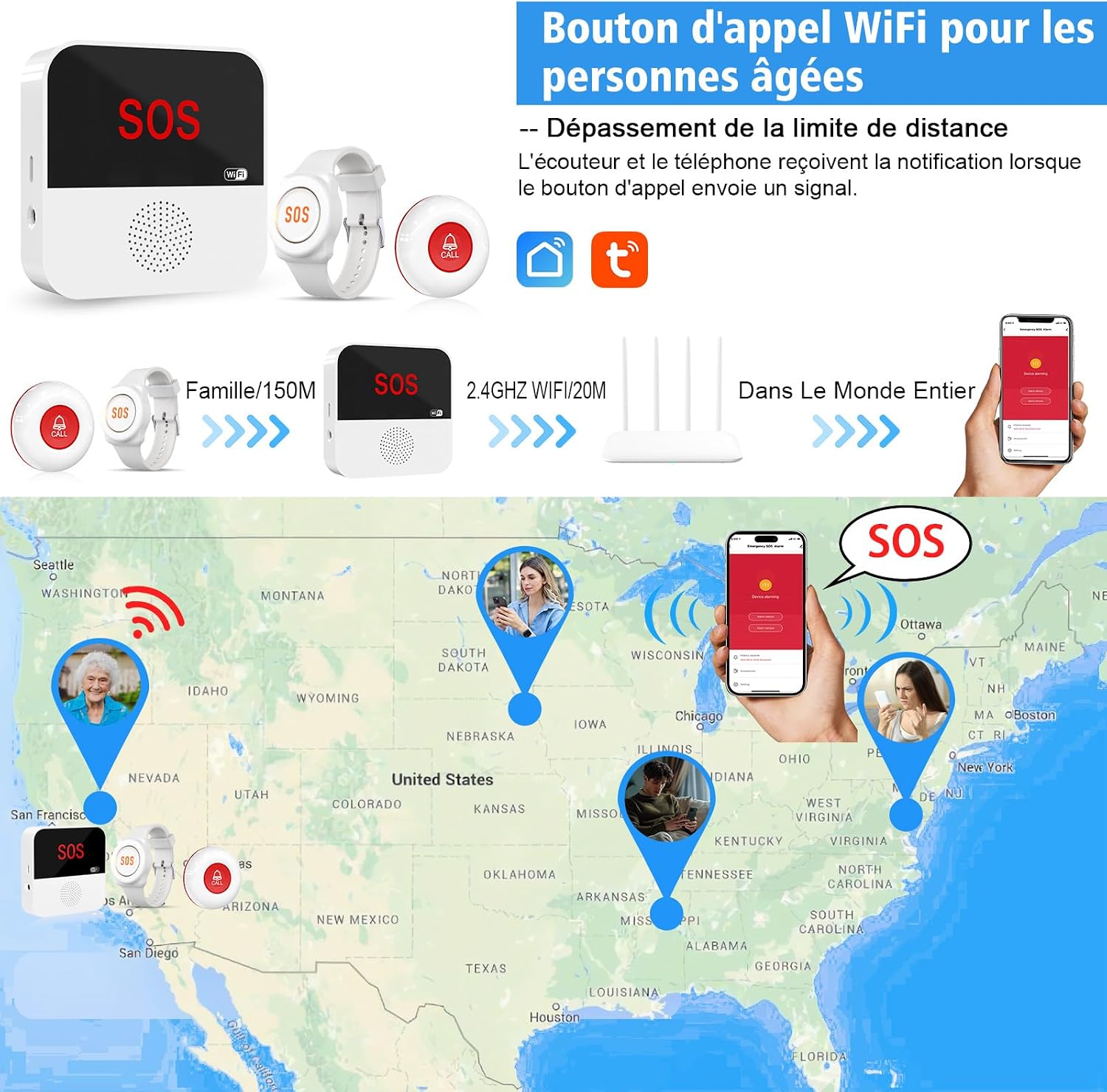
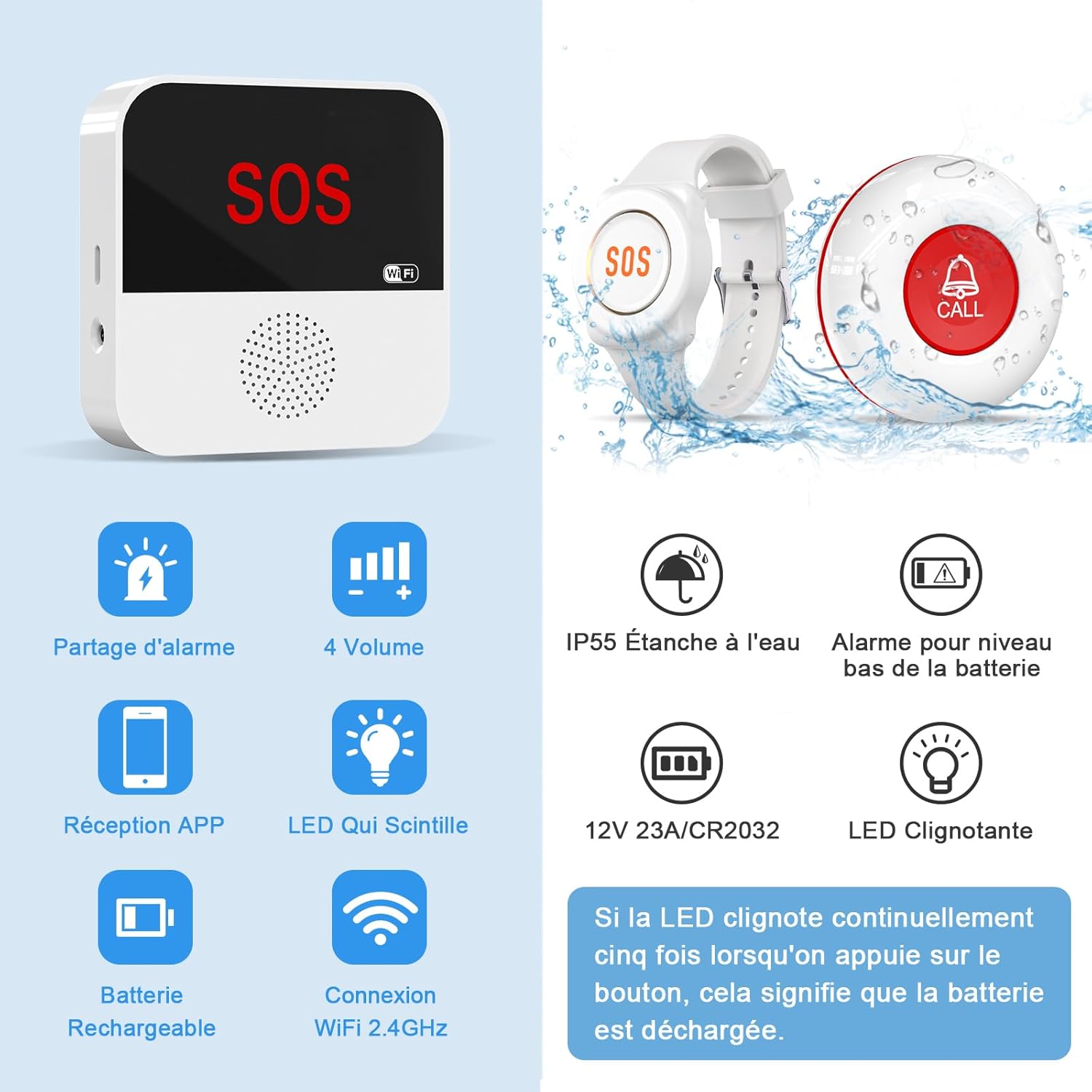
Connected alert system via WiFi for elderly and disabled individuals. Instant smartphone notification to family members in case of falls or assistance needs.
At a glance
- WiFi alert – no subscription needed
- Smartphone notification for family
- Large button for elderly hands
- IP55 protection for bathroom
In this article
Peace of mind for you and your loved ones
Living alone at home when you’re elderly or disabled can be a source of anxiety, both for the person and for their family. The ChunHee WiFi emergency call button offers a modern, subscription-free answer to this problem. In the event of a fall, feeling unwell, or simply needing assistance, a single press of the button sends an instant alert to your family’s smartphones.
Unlike traditional telecare systems that impose costly monthly subscriptions, this device uses your existing WiFi connection. No hidden fees, no commitment: you buy the device once, and it works.
Protection tailored to seniors living alone
Loss of independence shouldn’t mean loss of freedom. This call button lets seniors keep living at home with complete peace of mind. Placed in the bedroom, bathroom or living room, it’s always within reach. If needed, your loved ones are notified within seconds. For children worrying about their ageing parents, it’s priceless peace of mind.
Simple and accessible, even with motor impairment
The button is deliberately large and requires minimal pressure. No fine dexterity needed: even an arthritic or shaky hand can press it without difficulty. Its IP55 certification protects it from moisture: you can install it in the bathroom or near the shower, where the risk of falls is highest.
Are you a family carer?
If you care for an elderly parent or a disabled relative, you know the constant worry of not being there at the right moment. This call button lets you breathe: you know that if something goes wrong, you’ll be alerted immediately on your phone. Several family members can receive the notifications at the same time, for optimal coverage.
✅ Benefits
- 5-minute setup: WiFi connection, free app, done
- Zero subscription: pay for the device once, no recurring fees
- Simultaneous notifications on multiple smartphones
- Large button, easy to press, even with arthritis
- Moisture-resistant (IP55) — ideal for the bathroom
- Discreet design that fits into any interior
⚠️ Points to consider
- Requires a stable WiFi connection: check coverage in the room
- No backup battery: during a power cut, the button stops working
Our verdict
This WiFi call button is an excellent alternative to traditional telecare systems. The absence of a monthly fee is a powerful argument for tight budgets. Installation is genuinely simple, and being able to notify several relatives at once is a real plus. My only regret: no backup battery. If the power goes out, the button is inactive — a point to keep in mind. Despite that, for the price, it’s a very convincing home safety device.
— Anaïs Lotton, Healthcare Assistant & Support Worker
Protect your loved one today, without a subscription
🇬🇧 See price and reviews on Amazon
⭐ 4.2/5 · No subscription · Fast delivery
Frequently Asked Questions
Does this call button require a subscription?
No, there is no subscription. The button connects directly to your home WiFi and sends free notifications to your family’s smartphones via the included app. You pay for the device just once.
Can it be used in the bathroom?
Yes, the IP55 certification protects it from water splashes and moisture. It can be installed in the bathroom, near the shower or in the kitchen without risk.
How many relatives can receive the alert?
Several relatives can be configured to receive notifications simultaneously. Ideal for families where siblings and children all want to be alerted at the same time.
What is the WiFi range?
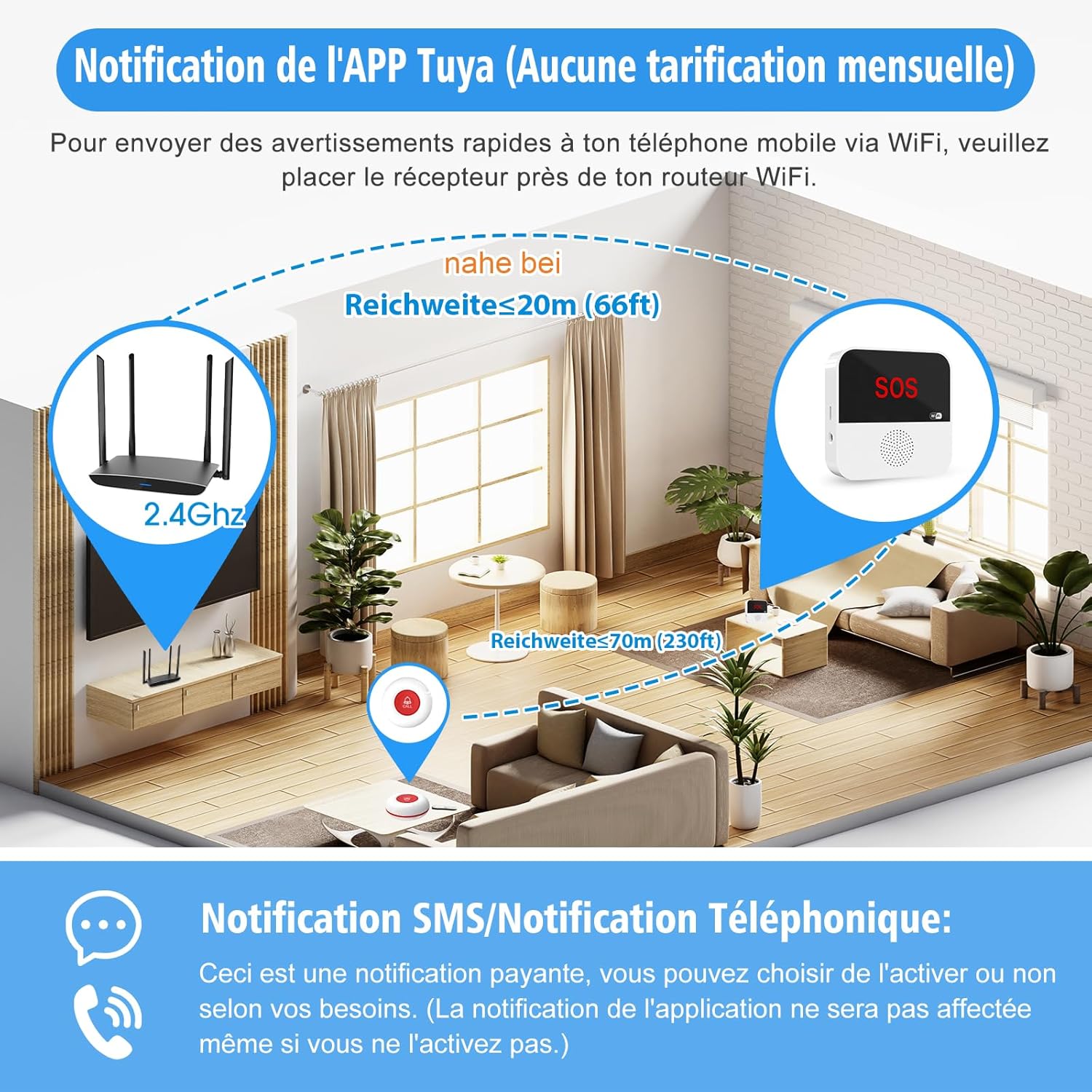
The button uses standard 2.4 GHz WiFi. The range depends on your router — usually the whole house is covered. If the bedroom is far away, a £13 WiFi repeater can extend the coverage.
Is the button easy to press for an elderly person?
Yes, the button is large (about 4 cm in diameter) and requires minimal pressure. It was designed specifically for elderly or arthritic hands. A simple press is enough, no force needed.
Does it work during a power cut?
No, the button requires mains power via a USB cable. During a power cut, it won’t work. We recommend pairing it with a mobile phone kept charged for emergencies.
Ready for more independence?
🇬🇧 See price & reviews on Amazon⭐ 4.2/5 · ⭐ {note}/5 from {count}+ reviews · Fast delivery

Similar products
 4.0/5
4.0/5
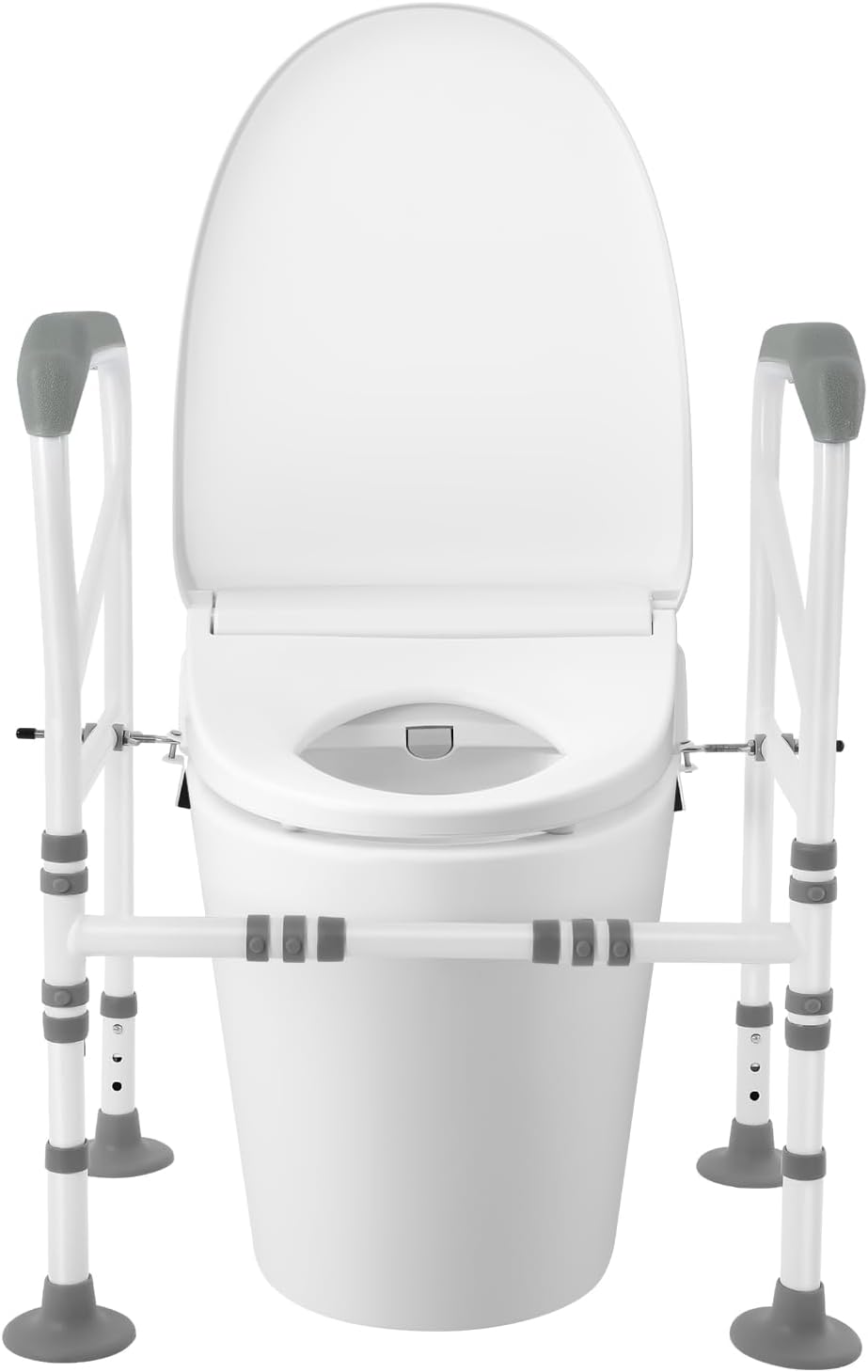
Toilet Safety Frame No Drilling – Foldable Support Rail with Armrests for Elderly
No-drill toilet frame. Carbon steel, 220kg, foldable, adjustable height and width. Ideal for elderly, disabled,…
 4.3/5
4.3/5
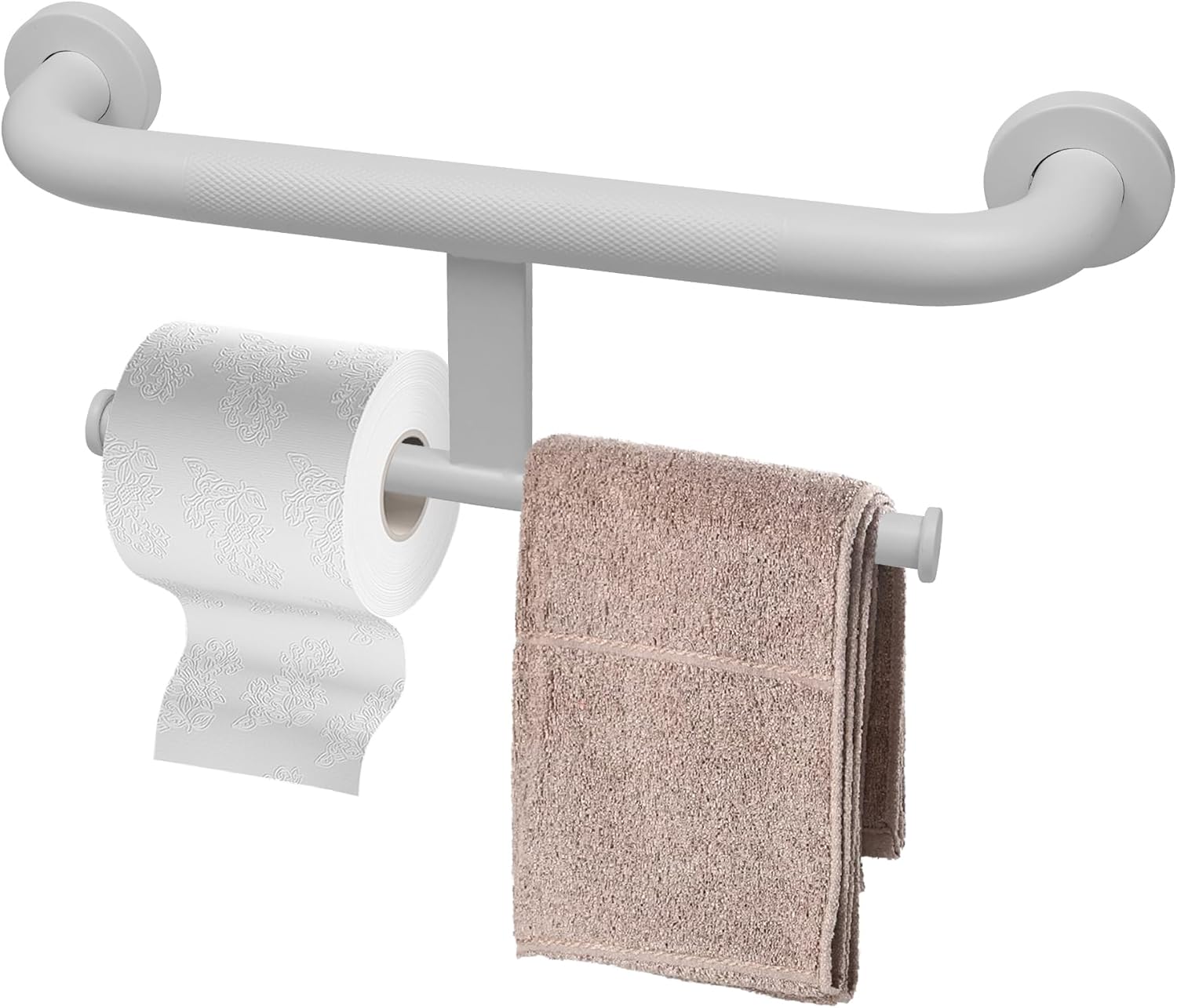
Grab Bar with Toilet Paper Holder 2-in-1 – Stainless Steel Safety Rail 40cm
2-in-1 grab bar + toilet paper holder. 304 stainless steel, 40.6cm, non-slip diamond surface. Safety…
 4.3/5
4.3/5
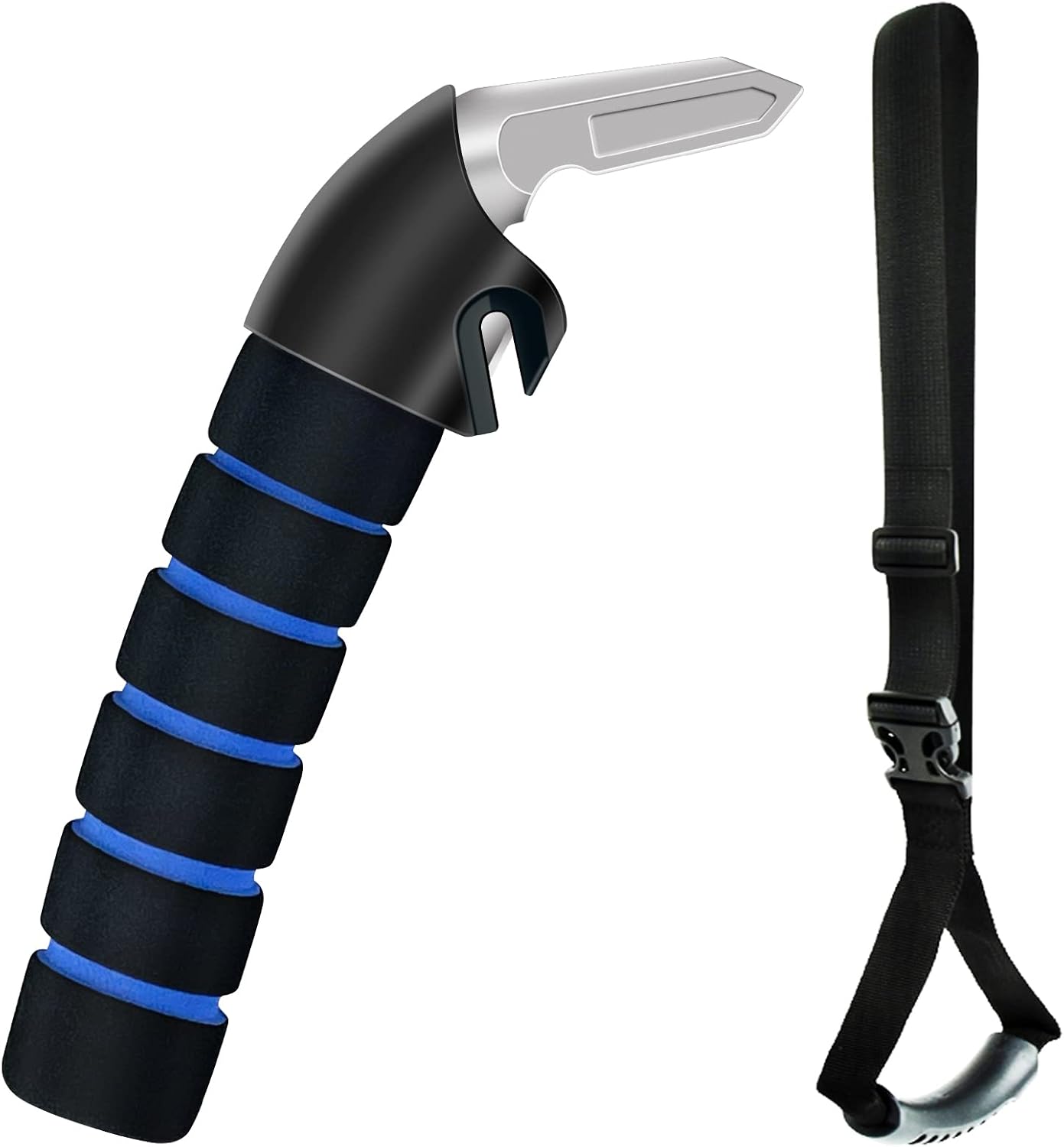
Car Handle for Seniors – Vehicle Exit Assistance for Elderly and Disabled People
Car exit assistance handle. Designed for seniors and people with limited mobility. Slides into the…